Top UX Mobile App Trends

UX is an essential part of any app development process. A good UX design will ensure the success of the app in the marketplace by giving it a functional and visual appeal to users. Below are some of the top UX trends that we believe you should consider.

Navigation 

How a user can navigate through the app is an important design consideration whenever building a mobile application. For example, let's talk about the advantages of having a swiping feature from the bottom. This navigation design allows the user to manipulate the screens with just their thumbs and lets them access all available information on the app with just a swipe up gesture. 

Whether you want swiping gestures incorporated in an app or pinching the screen to zoom out, you have to keep user experience in mind when choosing the best gestures to include. The gestures have to be easy to use and intuitive.

3D Design 

3D graphics have already been trending for movies and video game designs, however they have started making their way to the app development space. Some apps give you an almost AR experience. 

Think of apps that let you test out digital graphics of furniture in your real space. Or clothing apps that let you virtually try on the digital version of clothes. All of these examples use a 3D design model to make everything seem as realistic and seamless as possible. 

Let Users Customize the Interface

Recently there have been many more apps that let users take control of how they want the app to look. Certain apps let you change the interface such as the colour, font, size of the font, and even new icons. 

This allows the user to create a touch of personalization to the app, which has been extremely popular amongst younger audiences. It creates a sense of uniqueness for each user and allows them to truly design the app to fit their visual needs. 

Video Backgrounds

Having a video as a background on the app can be a very engaging feature that gives a more modern and advanced feel to an app. Video in a user interface can also help tie the audience into the story you’re telling. 

Spotify has been using this technique by playing video clips from a song's music video in the background of the song while it's playing. However, you must consider wifi speed when implementing an idea like this because if the user does not have fast wifi the video will buffer and will fail to deliver the same effects. 

As the tech space continues to become more and more competitive, it’s important for app developers to use new and creative ways to stand out. UX is an important aspect of any app and can give you an edge over competitors. 

At ISU Corp, we are experts at mobile development, right from the planning down to the launch. If you would like some help with designing your next mobile application, feel free to reach out to us.




Why Sprints and Milestones are Crucial For Your Software Projects

Like most activities we do, setting sprints is a key to keep us on track when getting work completed. This is important in software, mobile, and web app creation because it gives a deadline on when tasks must be finished, and are ready for the next step. 

Each and every sprint that is made for a piece of software or app development project is carefully planned out in hours, according to how long each task will take to finish. This can be decided with the scope of the work stage, as well as the functional specification document stage.

The process of setting sprints is overseen by the Project Manager. The development team will also agree on what exactly needs to happen to accomplish the sprint in the time frame decided.


The Development team has the deciding vote on how much work is practical to be accomplished when working toward a sprint. The Project Manager has the deciding vote on what principles must be met in order for the project to be approved and accepted.


The length of sprints can vary, for example you can come up with a final deadline where everything has to be finished, but then you can also have “mini sprints” that are to be completed within the overall time frame. 

Once the sprint has started, the project manager will let the development team do their work. However, at ISU Corp we will ensure to communicate progress, any questions, and any hiccups that may arise with our clients regularly. 

When a sprint is being completed, the team will hold daily meetings to ensure that everyone is staying on track, and to resolve any hiccups that may have come up. The Project Manager may attend the meetings, to ensure everything is going smoothly, as well as to answer and ask questions. It is preferred that there are no requests for changes to occur during a sprint in order for the project to stay on schedule. 


Any change requests that the client would like, will have the opportunity to be added after Milestones have been completed.

Once the sprint is finished, the development team sends it off to the Quality Assurance team to be examined, and then to the Project manager for final review before it gets shown to the client.


Milestones

A milestone is an important stage during a project because it gives an idea of the progress in the view of what achievements have been predetermined as “milestone goals”. 

The way that milestones are tracked is by reminder dates for the client, which can contain several internal sprints.


Some common Milestones that are noted are:

  • Completed project phase

  • Approved deliverable

  • Completed planned review

  • The beginnings of a task – like an addition or a change request


Now, is there a specific number of milestones a project requires?

Well, milestone frequency depends on the developing iterative phases, commonly known as agile development. This enables for testing and real looks into the development progression. 

Having the ability to examine and view completion progress throughout a project has been a game changer, because it allows for everyone that needs to be involved in the process during development to be in the loop. Being able to manage what’s going on each phase, saves the team time, while also maintaining a reasonable cost. 


Rules to keep in mind when working with Milestones:

ALL software, web, and mobile app projects will have important milestones:

1. Obligations / scope and completed FSD

2. Completed Design

3. Prepared code & quality assurance testing for the finished sprints

4. Deployed product


If you have any questions about sprints and milestones for project management in software, we at ISU will be more than happy to help! Contact us today.


6 Key Differences: iOS vs Android Design

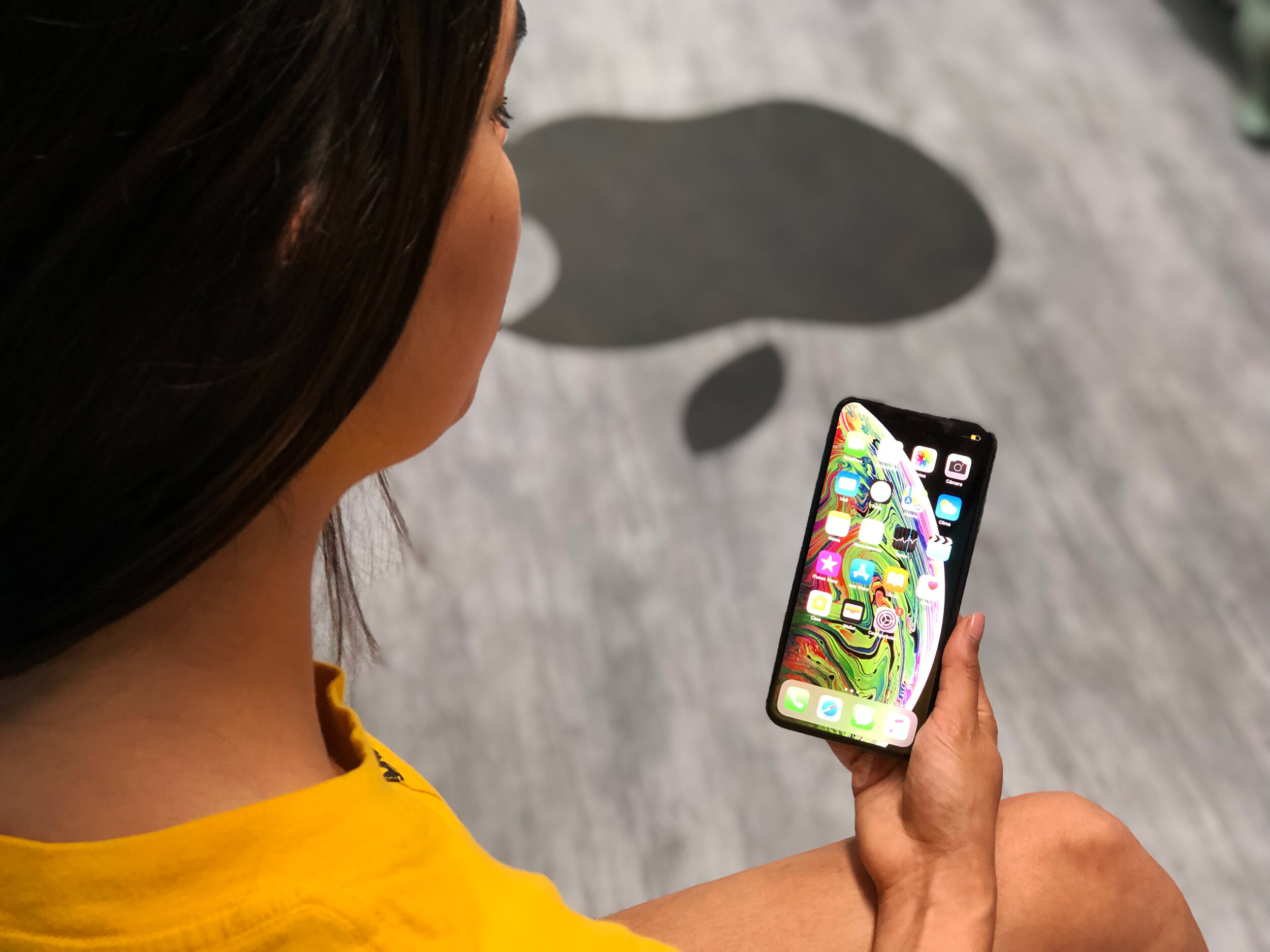
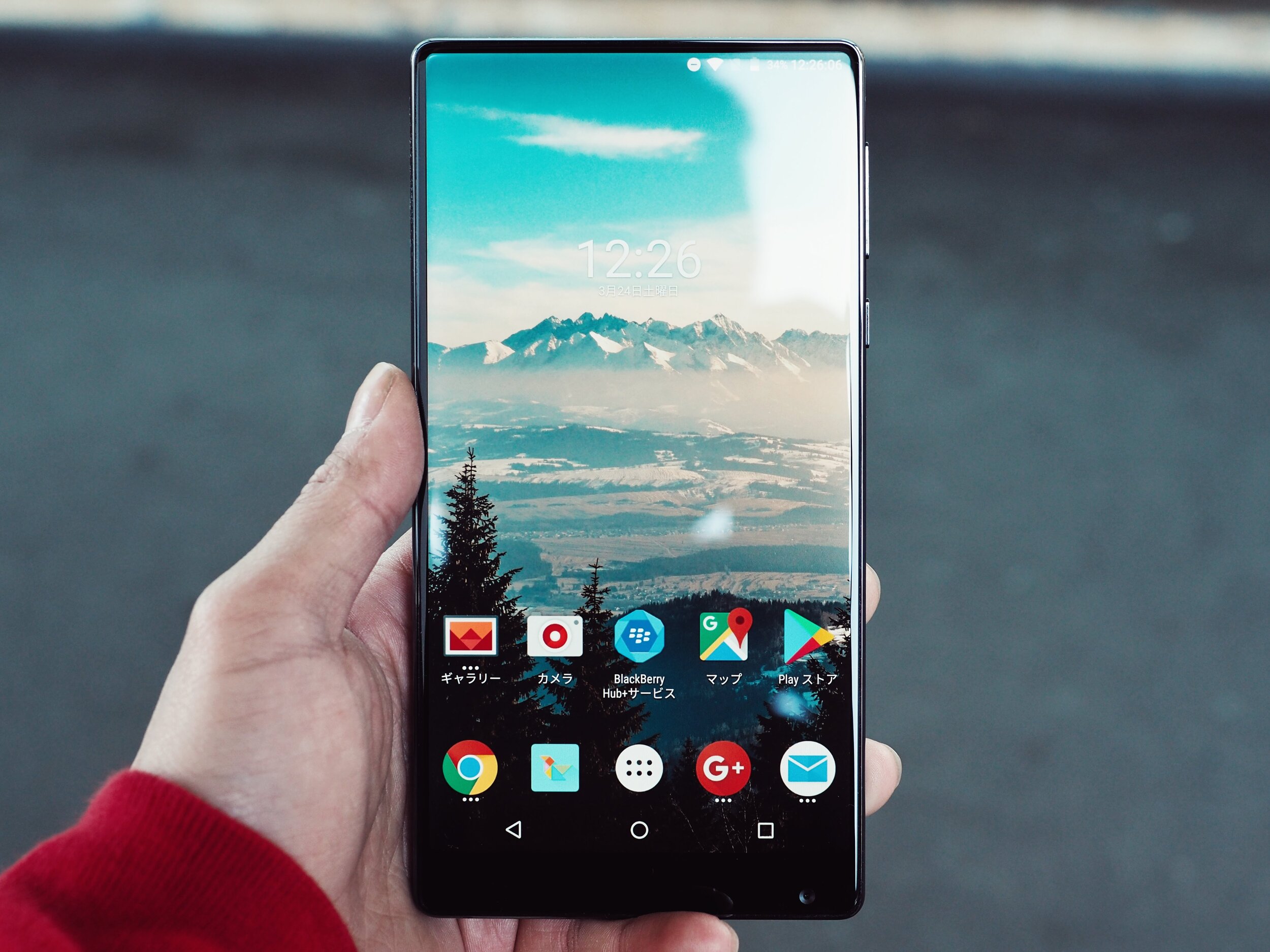
As we all know, the two major competitors when it comes to the mobile industry, are Apple (iOS) and Android (Samsung, Google, LG, etc). Both are equally successful, since they both offer similar features without being exactly the same. Which makes the mobile market a divided industry.

Regardless of the company, you work for, 9 times out of 10 nowadays you will be required to use some kind of app for multiple reasons. Most commonly businesses like to have an app that will tend to all of their pre-existing customers – which will mean it must be offered for both Android and iPhone. 

As you design applications for both platforms, you will likely realize everyone has a preferred system – including yourself!


Here are the main design differences between iOS & Android:

General Style:

From the very beginning of Apple, they’ve always had a more aesthetically pleasing appearance, specifically iOS 7 – when they retired the appearance of shadows, textures and effects that took charge in the beginnings of Apple. 

When it comes to general style Android has always had a more standardized characteristic, with an approach that is often called “layered paper” because of the design. 


Real Buttons:

One of the biggest components that sets iOS and Android apart is that iPhones have never had a back button, which means that any app developed for iOS needed to have a way to go back to the previous screen.  That often meant the inclusion of the “back chevron” in the top left corner of the page.

Needless to say, the iPhone has always needed the inclusion of a back option into their apps when designing, whereas Android has a back button integrated onto the phones that is used for going back, so you don’t necessarily need to put a back option into consideration when designing for Android.


Global Elements:

These are the features like the header, or a status bar, that are visible on every screen of your design. They are the one thing that should remain unchanged, especially if you want your app to have a natural feel for each platform it is corresponding to. 

When it comes to iOS, the navigation bar always has the text centered, with several companies choosing to replace the title with their respective logo. The status bar that includes the carrier network, batter, and time, it’s the second thing that should remain unchanged. However, it should just have the respective design for each platform it is designed for. 

As for the Navigation bar on Android, the text is always aligned to the left. As we know the text in the navigation part is often changed to the company logo for iOS, however this is not what is best when designing for Android. 


Navigation:

The essential navigation arrangement has the tab bar on the bottom of the screen, which gives access to the top portion of the app.

With Android, the essential navigation arrangement is the drawer method, which is where users will go to find the menu items. This is often consistent on each page of the app. 


Cards or Not:

When using digital design, Cards are an important component to it. The purpose of Cards is to enable users to gather quick snippets of content that are tailored to specific mobile development. 

Designing using Cards for iOS, takes more planning because of the very specific pre-existing design style, since you don’t want too much contrast, especially when considering using shadow. It is recommended when using Cards for iOS to be as subtle as possible. 

With Android, Cards will configure the design of their apps much better, especially when using drop shadows, as it will give the look of the apps a more native feel. 


Typography:

Typically, the font family that is used for iOS is Helvetica Neue, and for Android the font family used is Roboto. 

Typography is actually the category with the least amount of differences. Whether you are designing for Android or iOS, it is crucial to understand the base design aspects for each respective app, and operating system. 

Ultimately, there are not very many big differences between iOS and Android, and it is recommended to try to design apps for both systems. 

If you need help curating design features for one or the other, feel free to reach out to our experts at ISU Corp!