Native vs Hybrid Apps: Which One to Build?

With the introduction of software development kits (SDKs), the app development process for both native and hybrid mobile apps is evolving expeditiously. Read on to learn the basics of what native apps, hybrid apps, and SDK’s are and what they provide.

Native App Development – What Is It?

Using two contrasting "native" coding languages, native mobile app creation produces one app tailored to Android systems and one app tailored to IOS systems. Because each code is specifically developed for each program, native applications provide the user with the quickest and most receptive experience. 

They also allow access to the underlying functions of the phone, such as the camera, location, Internet, etc. Native apps are launched from the home screen and "container apps" are not necessary to run them. To run apps without launching the entire operating system, container apps or device containerization are used. Applications involving container applications need more time for development.

Pros of Native App Development:

  • Native applications are customized to make them more systematic and user friendly on IOS and Android networks. In both systems, the apps' interface and navigation are apprehensible.

  • Underlying operating functions (camera, GPS, alerts, etc.) can be accessed through native applications.

  • Native applications are available on Apple / IOS devices through app stores such as Google Play, Android devices, and the Apple App Store.

  • In terms of functionality, native apps don’t necessarily need Internet connection

Hybrid App Development – What Is It?
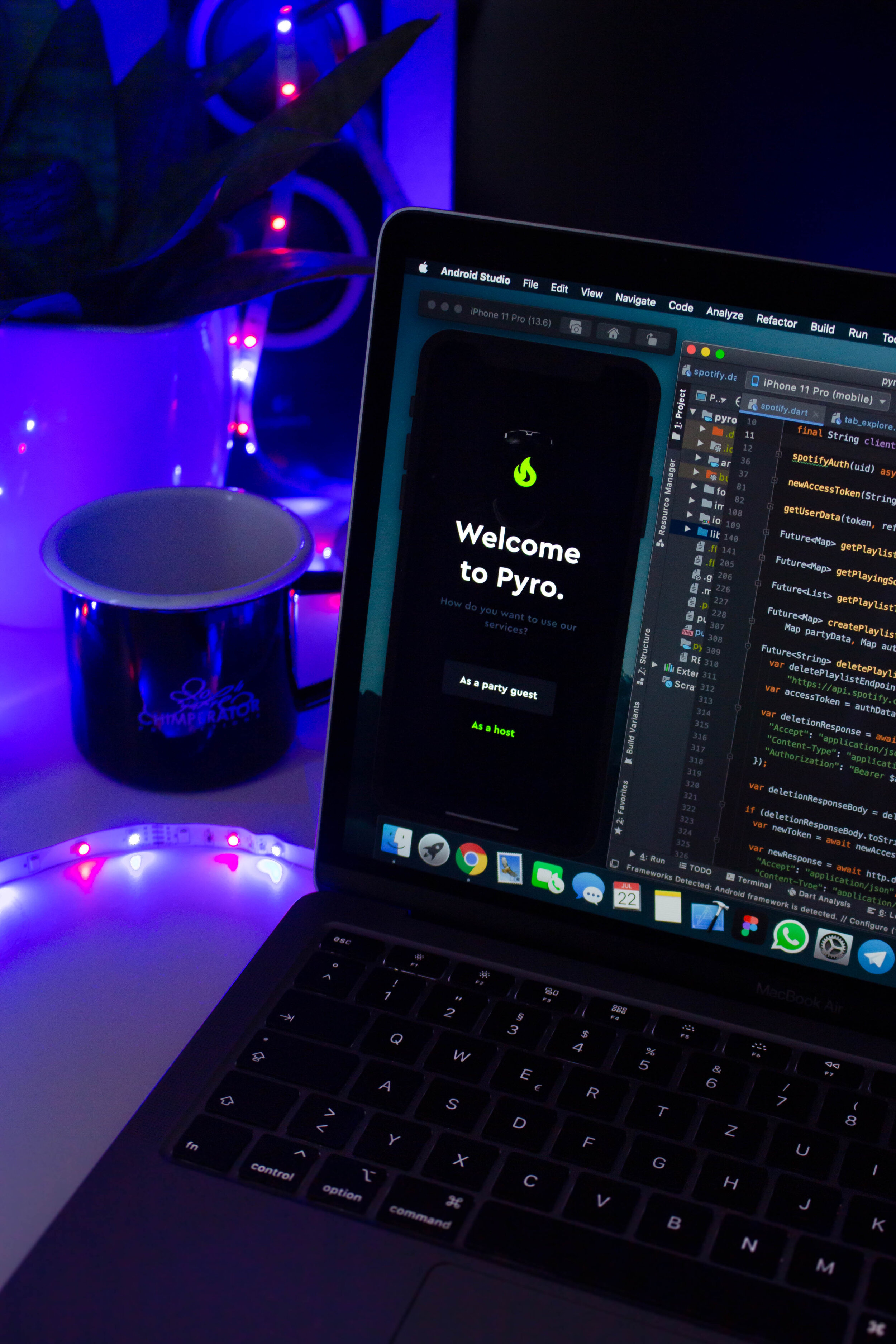
The development of hybrid applications copies one code onto several platforms. This is not to imply that the code of the whole application can be "copied and pasted" on various platforms. It is necessary to rewrite roughly 20 percent of the code. 

Hybrid application development, however, enables an app developer to use basic application programming interfaces (APIs) such as HTML5 or JavaScript, rather than complex APIs used in the creation of native applications. APIs are a series of software building tools, you could even refer to them as building blocks. Container applications may be required for hybrid applications.

Pros of Hybrid App Development:

  • Compared to native apps, hybrid apps cost less.

  • Hybrid applications use one code across different platforms on a range of devices where one version of the app will run.

  • Development time is cut down due to hybrid apps using simple APIs

  • There isn’t a need for hybrid apps to be updated via app stores. On a page that is loaded from the server, minor changes can be updated and users can see them instantly.

SDKs – What Is It?

A software development kit (SDK) provides tools for software development that allow app developers to build for a particular platform or operating system. SDKs make it possible for developers to write a single code for numerous platforms, minimizing development time.

SDKs For Hybrid App Development

For hybrid app development, Ionic is an open-source SDK. Ionic is a development kit for hybrid applications that enables IOS and Android systems to be personalized. Released in 2013, Ionic uses Apache Cordova plugins to access the attributes of both Android and IOS operating systems (camera, GPS, flashlight, etc.). This imitates the development of native applications as it permits the developer to configure Android and IOS apps.

Apache Cordova and PhoneGap

Apache Cordova is a framework produced by Adobe / Nitobi for mobile development. Instead of using platform specific APIs, Apache Cordova drives and distributes PhoneGap, an open source software that enables software developers to use CSS3, HTML5, and JavaScript. It is available for a wide variety of platforms, including Android, Blackberry 10, Firefox OS, IOS, and most Windows devices, though not limited to them.

SDKs For Native App Development

SDKs such as Appcelerator Titanium, React Native, and Xamarin allow Android and IOS platforms to use a single code for native app developers. Native app development SDKs reduce time allocated for development and maximize app performance. The use of a unique code emulates the method of creation of hybrid applications.

Appcelerator Titanium

Built by Appcelerator, Appcelerator Titanium is an open source SDK that enables a single JavaScript codebase to create native mobile applications. You can distribute this codebase through the UWP platforms for IOS, Android, and Windows. Ebay, Paypal, and Tmobile are common apps developed using Appcelerator Titanium.

React Native

Facebook-designed React Native is an SDK that assists developers to reuse code across various web and mobile platforms, including IOS and Android. Instagram, UberEats, and AirBnB are admired apps developed using React Native.

Xamarin

Likewise, Microsoft-owned Xamarin is an SDK that uses C # to distribute codes across various platforms including IOS, Android, and UWP for Windows. The C # codebase can access all native applications. Popular Xamarin-built apps include Storyo, Just Giving, and The World Bank.


Interested in learning more and adopting one of these apps into your business? Reach out today for more information.




PHP vs ASP.NET: Which is Better?

Although there are multiple programming languages for a web developer to choose from, two rival language giants typically dominate the language market: ASP.NET and PHP.

It’s possible to use either language to finish any given project, but both have their benefits and downsides. It’s a difficult choice to make between both of them, which is why it’s important to determine which set of pros and cons fits the web development needs of a specific organization.

Advantages of ASP.NET

Flexibility

The key benefits of ASP.NET are the simplicity and object-oriented features. A rather old ASP technology from Microsoft is where the AP.NET name originated. The new .NET Framework and CLR, however, allow for an interface that’s easy to navigate and seamless with other programming languages such as Visual Basic. NET and C #. 

This means that without the need to rewrite everything you’ve done, the programming language of a project can be changed mid-project. It also means that multiple languages such as Visual Basic. NET can be used by developers that are working on the same project.

Mature Foundation

Another benefit is that the library for ASP.NET is task-based. When it comes to common development tasks, developers can save plenty of time, since the library is arranged into inheritable classes. This could include XML or image editing and they’d be organized based on the relatability of tasks. 

Visual Studio. NET also saves time for developers if it’s installed quickly enough on a computer to allow the software to run at it’s peak. This huge IDE development is equipped with functions for built-in debugging. IntelliSense is also implemented and it’s basically an auto-completion feature that removes the need for methods and variables to be memorized by developers.

Disadvantages of ASP.NET

The key drawbacks of ASP.NET and Visual Studio are that they are costly and that their maintenance is resource intensive. On IIS, most ASP.NET applications run on the server. For web servers, ASP.NET uses considerably more resources than languages such as PHP. Accordingly, a greater number of servers are needed, or better servers are required. Finally, Windows and IIS have a known background of bugs and software flaws that have in the past been vulnerable to exploitation.

Advantages of PHP

Inexpensive

On the other hand, PHP is comparatively inexpensive and safe and has some benefits of its own. By teaming up with HTML, PHP works to display vigorous elements on a web page. The most interesting thing about PHP is that it is always used in the LAMP architecture as the "P". 

LAMP is a bundle of software which includes Linux, Apache, MySQL, and PHP. These are all web applications that are cheap, scalable, and stable. The package is a common way for these applications to be distributed.

Massive Ecosystem

PHP is considered versatile and customizable. It’s available for several more operating systems than ASP.NET, and it can be used in a wide range of contexts. It also operates on all of the most common web servers and can be used with a large range of systems handling relational databases. PHP has an extensive Internet installation base because of this simplicity and flexibility. Currently, servers with PHP host over 18 million Internet domains.

Disadvantages of PHP

Inside the delimiters, PHP can only parse code while everything beyond the delimiters is sent directly to the output, which is one of the few disadvantages that this language possesses. Class naming collisions often occur due to the fact that PHP lacks namespacing. 

In addition, variables are not really treated as having a particular type, and type checking is very loose which can possibly lead to issues. Finally, some large companies find that the low price of PHP means that it’s not worth purchasing, considering the high quality of most of the free applications and software out there.

PHP vs ASP.NET – Which One Is Better?

Both languages have their strengths and limitations with PHP being cost-effective, safe, fast, and reliable, while ASP.NET is practical and maintainable with its class library system. Both PHP and ASP.NET can essentially carry out the same duties, so the distinguishing factor between these two programming language giants really depends on what an organization is looking for in terms of price, speed, protection, and reliability.


Interested in learning more? Reach out to our experts at ISU Corp!


Top UX Mobile App Trends

UX is an essential part of any app development process. A good UX design will ensure the success of the app in the marketplace by giving it a functional and visual appeal to users. Below are some of the top UX trends that we believe you should consider.

Navigation 

How a user can navigate through the app is an important design consideration whenever building a mobile application. For example, let's talk about the advantages of having a swiping feature from the bottom. This navigation design allows the user to manipulate the screens with just their thumbs and lets them access all available information on the app with just a swipe up gesture. 

Whether you want swiping gestures incorporated in an app or pinching the screen to zoom out, you have to keep user experience in mind when choosing the best gestures to include. The gestures have to be easy to use and intuitive.

3D Design 

3D graphics have already been trending for movies and video game designs, however they have started making their way to the app development space. Some apps give you an almost AR experience. 

Think of apps that let you test out digital graphics of furniture in your real space. Or clothing apps that let you virtually try on the digital version of clothes. All of these examples use a 3D design model to make everything seem as realistic and seamless as possible. 

Let Users Customize the Interface

Recently there have been many more apps that let users take control of how they want the app to look. Certain apps let you change the interface such as the colour, font, size of the font, and even new icons. 

This allows the user to create a touch of personalization to the app, which has been extremely popular amongst younger audiences. It creates a sense of uniqueness for each user and allows them to truly design the app to fit their visual needs. 

Video Backgrounds

Having a video as a background on the app can be a very engaging feature that gives a more modern and advanced feel to an app. Video in a user interface can also help tie the audience into the story you’re telling. 

Spotify has been using this technique by playing video clips from a song's music video in the background of the song while it's playing. However, you must consider wifi speed when implementing an idea like this because if the user does not have fast wifi the video will buffer and will fail to deliver the same effects. 

As the tech space continues to become more and more competitive, it’s important for app developers to use new and creative ways to stand out. UX is an important aspect of any app and can give you an edge over competitors. 

At ISU Corp, we are experts at mobile development, right from the planning down to the launch. If you would like some help with designing your next mobile application, feel free to reach out to us.