THE ULTIMATE GUIDE TO MICROSOFT TEAMS FOR PROJECT MANAGERS


This year has changed a lot of major components of daily life, especially when it comes to work-life shifting to being remote. A good portion of the world has had to make this new change.

With that being said, there have been multiple questions brought to light about whether or not Microsoft Teams is suitable for project managers.


But first, why is Microsoft Teams so beneficial for Project Management?

 

Microsoft Teams is commonly known for their communication features including chat, or video calling.  Unfortunately, this is where most Microsoft Teams users’ knowledge ends. However, Microsoft Teams is much more than just a method of communication.

Microsoft Teams is notorious for being a remarkable tool for communication and collaboration with the ability for document, presentation, and whiteboard capabilities integrated into their already awesome system.


Now, here are the top 5 tips for using Teams for Project Management


1. Ability to efficiently keep everyone alert with Teams and Channels

In order to be a great project manager, you need to allow for open and transparent communication for every stage of each project they’re overseeing. With Microsoft Teams you have the ability to do that efficiently.


2. Easy to keep track of deadlines, so you don’t miss one!

Deadlines can often be hard to keep track of especially if you’re managing more than one project at a time. No matter what the project, they are vitally important to keep your project on track.

Having access to Microsoft Teams, it allows you and your team to have a shared Microsoft Outlook group calendar, which displays the important deadlines for each piece of a project.


3. Easy to use planner capabilities to assign tasks and manage what’s important

Another component to help with keeping track of your deadlines, is to integrate the use of Microsoft Planner to help keep your projects organized.


Microsoft Planner can be easily incorporated to Teams in four easy steps:


  • Navigate to the team you want to add Microsoft Planner too

  • Click the + sign to add a tab to the group

  • Click on “Planner”

  • Either create a new plan, or choose an existing plan that you’ve already saved (choose from the drop-down menu) and click “save”


4. Keep work accessible for everyone involved

It’s important to make sure that everyone on the project has access to every component of the project and knows how to do everything. This way, tasks can get completed in an efficient manner and no time is wasted searching for a file.


5. Don’t be afraid to customize your Teams

With Microsoft Teams, you have the ability to customize many features to make completing your project even more efficient. Especially since you can tailor it to your own team's needs.

Without a doubt, with the right integrations and a little customization Microsoft Teams could be your primary source for project management and organization. Having access to so many great features like tracking tasks, document collaboration, and more.


Reach out to our experts at ISU Corp, to help integrate it into your next project!


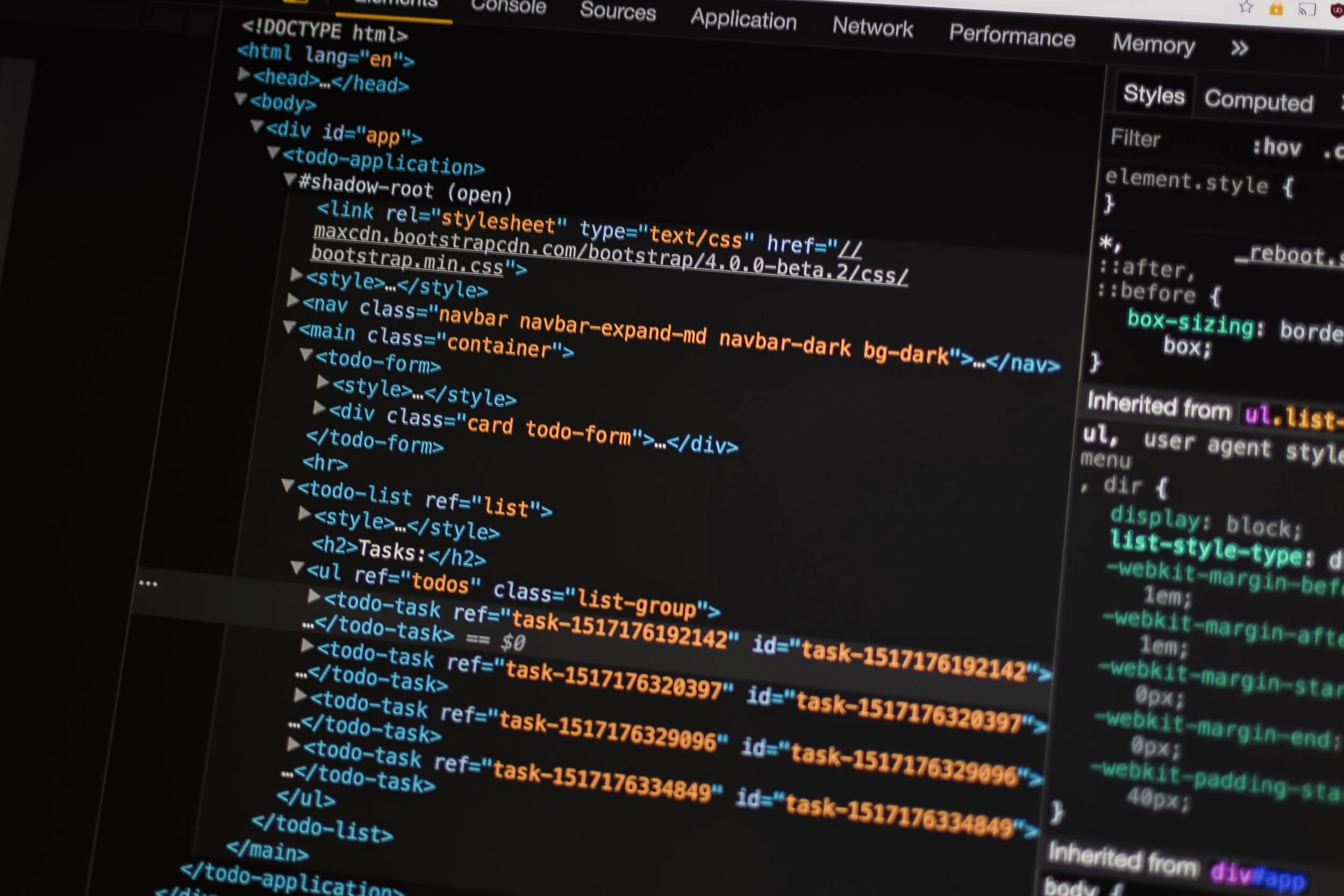
The 10 Best Python Frameworks For Web Development

The python language has been rapidly growing in the computer software industry. It has become a leader for web development, with many believing it will overtake Java and C#. 

Python is composed and an interactive programming language meaning it's easy to learn and read. We have compiled a list of the best python frameworks for web development to help kickstart your journey.


CherryPy

One of the older python frameworks and it has proven to be quick and stable. It has its own multi-hung serves and its open source. It can do anything that a web framework can do, such as file uploads, cookies, static, etc. As well, it enables programmers to develop a web app similar to any object-oriented python program meaning development to smaller code takes less time. 


Key Features of CherryPy

  • A consistent, HTTP/1.1-compliant, WSGI thread-pooled webserver

  • Easy to run various HTTP servers at once

  • Runs on Python 2.7+, 3.5+, PyPy, Jython, and Android

  • A powerful configuration system for developers and deployers alike

  • Built-in profiling and coverage


Django

This is a free and open-source framework that lets you build apps quickly. It assists you in building a web application and is excellent for the quick development of APIs. It has a wide assortment of libraries and less need for coding. 

Key Features of Django

  • Helps you to define patterns for the URLs in your app

  • Built-in authentication system

  • The automatic admin interface feature enables the functionality of editing, adding, and deleting things with customization

  • Cache framework accompanies multiple cache mechanisms


Pyramid 

This is a versatile framework that is great for both easy and challenging projects. It has excellent transparency and measured quality, making it trusted amongst the most experienced Python developers. 


Key Features of Pyramid

  • Can run both small and large apps

  • URL mapping based on Routes configuration through URL dispatch and WebHelpers

  • HTML structure validation and generation

  • All-embracing templating and asset details

  • Testing, support, and comprehensive data documentation

  • Flexible authentication and approval


Grok

This framework will give you an agile development experience and an open-source framework to speed up your development process. Developers have access to a range of libraries and networks. 

Key Features of Grok

  • A powerful object database for storage

  • Integrated security to ensure your application and grant access to specific users

  • Helps developers lessen the unpredictability of development

  • Gives you the building blocks and other essential assets to develop custom web applications for business needs


TurboGears

This framework differs from other frameworks we have discussed by instead being data-driven. This allows developers to build a web application with little setup. TurboGears empowers web designers to smooth out Python site improvement using different JavaScript advancement devices. You can create web applications with the assistance of components a lot quicker than other existing systems.

Key Features of TurboGears

  • All features are executed as function decorators

  • Multi-database support

  • Accessible command-line tools

  • MVC-style architecture and PasteScript templates

  • ToscaWidgets to ease the coordination of frontend design and server deployment


Flask

This framework is accessible under the BSD License. They have designed the framework to help you easily develop a strong web application base. It's also designed for applications that are specifically open-ended and is best for small and easy projects. 

Key Features of Flask

  • Built-in development server and debugger

  • Integrated unit testing support

  • 100% WSGI 1.0 compliant

  • Multiple extensions are provided by the community that eases the integration of new functionalities


Tornado

If you want to develop a framework that can hold many simultaneous clients, then this is the framework for you. It has a non-blocking framework I/O and unravels the C10K issue, which means you can have 10,000 plus simultaneous connections. 


Key Features of Tornado

  • Allows implementation of 3rd-party authentication and authorization schemes

  • It offers high-quality output

  • Support for interpretation and localization

  • User authentication support and Web templates


BlueBream 

This framework, formerly known as Zope 3, is best for medium and big projects. It is a seasoned framework that meets the essentials of enduring, relentless, and adaptable programming. 

Key Features of Bluebeam

  • Unit and functional testing frameworks

  • The basic mechanism for plugged security approaches

  • An XHTML-compliant language for developing templates

  • A tool for automatically generating forms


Quixote

This framework allows you to write python in its true form since it's developed in traditional technology. The logic consists of python classes and functions. They have three versions; however, versions 3 and 2 are the ones that are currently still maintained. 

Key Features of Quixote

  • Flexible and straightforward design with session management API.

  • Library of functions to assist in the development and analysis of an HTML form.

  • HTML templates are written in Python-like syntax and can be imported just like another Python code.

  • Works with any web server that supports CGI or Fast CGI

  • Supports Apache’s mod_python

  • SCGI protocol is also supported


Bottle

Initially developed for web APIs, this is the best web small-scale framework. This framework allows you to work much closer to the hardware, just like Flask. It's great for building simple apps and overall just learning python frameworks. 

Key Features of Bottle

  • Spotless and dynamic URL-routes for mapping by using simplified syntax.

  • The WSGI framework works with CGI and WSGI internals is easy.

  • Permits easy access for data, cookies, file uploads, and other HTTP-related metadata.

  • Speed optimizations for testing and high performance


For information on how you can get started on web development, feel free to reach out, and a representative will get back to you shortly. 


HOW TO: DEVELOP AN APP LIKE SNAPCHAT

We all know of Snapchat, and late millennials and generation z, know it as almost their primary form of contact between friends. Snapchat has been a big topic of conversation since it began, and it has stayed one of the top social media apps since with all of its unique features and functions.

Snapchat has been infamously popular for the concept of sending a picture or a video and having it “disappear.” Today we will learn how to create an app like Snapchat and what features and technology are used.

Millennials and Generation Z like to use the phrase “It didn’t happen if you don’t post it,” this is because nowadays, millennials like to tell the world about what they’re doing first before they take the time to enjoy the moment. This is why developing an app like Snapchat is a great idea.


Have you ever wondered why people continue to use Snapchat?


Well, the Snapchat algorithm knows the mindset of consumers really well. Messages that disappear after being read unless screenshotted make the users feel secure.

The Snapchat team also trusts the saying, “What’s news today is history tomorrow,” and the overall motto for Snapchat is “Life’s more fun when you live in the moment.”

With Snapchat, you have the option to send a picture or word messages to friends that will disappear after they are opened. Still, you also have stories that create a sense of urgency and importance, especially since they expire after 24 hours. This limited validity and quick expiration make the overall experience exclusive for Snappers.

You also have the opportunity to maintain streaks, which, in a way, can feel like an achievement.

Ultimately, Snapchat is an easy way to stay in touch with friends you may not speak to all the time but would like to see what they’re up to once in a while.


Here are 5 features from Snapchat to include in an app in similar app designs:


1. Chat

2. Snapchat Filters

3. My story

4. Adding friends

5. Audio / video calls


With all of these features, you must be speculating how Snapchat makes a profit.

Here are the top 5 ways Snapchat makes money:


1. Advertising

2. Sponsored Lenses

3. Discover section

4. Branded Geofilters

5. Sports Partnerships  


But now, how can you incorporate these features into your app?


Well, to begin, it is not a simple task to develop an app like Snapchat. First and foremost, you need to know and understand the critical technical aspects required to begin.


1. DEVELOPMENT LANGUAGES

Snapchat relies on an extensive collection of languages that are used to code, especially for the filters. Commonly ‘Objective-C’ is used to build apps like Snapchat for iOS. Bootstrap and JavaScript are used for front-end development.

Other programming languages used by Snapchat are Python, Cocoa Touch, and PHP.


2. CLOUD HOSTING

Snapchat utilizes the Google Computing Engine to enhance the automatic extensibility that is based on the number of users to manage data temporarily. The Amazon web service is commonly used for hosting.


3. DATABASE

Since Snapchat is such a widely known app, it needs to have the ability to manage large volumes of structured data at a time. To do this in an adaptable manner for the app to maintain optimum performance, NoSQL, otherwise known as Not Only SQL, should be used as the primary database.


4. TECHNOLOGY

Modern technologies like machine learning, Face detection, and tracking, augmented reality, Geolocation, and face recognition are used to incorporate text on photo apps like Snapchat.


In summary, to develop an app like Snapchat, you want to incorporate chat, pictures, modern technologies, and adding friends. With a database like Objective-C or JavaScript while utilizing a cloud hosting base.


If you need help getting started, reach out to one of our experts at ISU Corp!